

Obtaining Firebase Credentials
Before you begin, make sure you’ve completed this step:
After completing this step:
- Mobile app credentials have been obtained
- The credentials have been entered into the “Mobile Push Credentials” section in the settings menu of the selected integration point.
To send push notifications to Android devices, a Firebase Server Key and a JSON file containing a new Private Key are required.
1. Create A Firebase Project
To create a new project or access an existing one, please use this link.
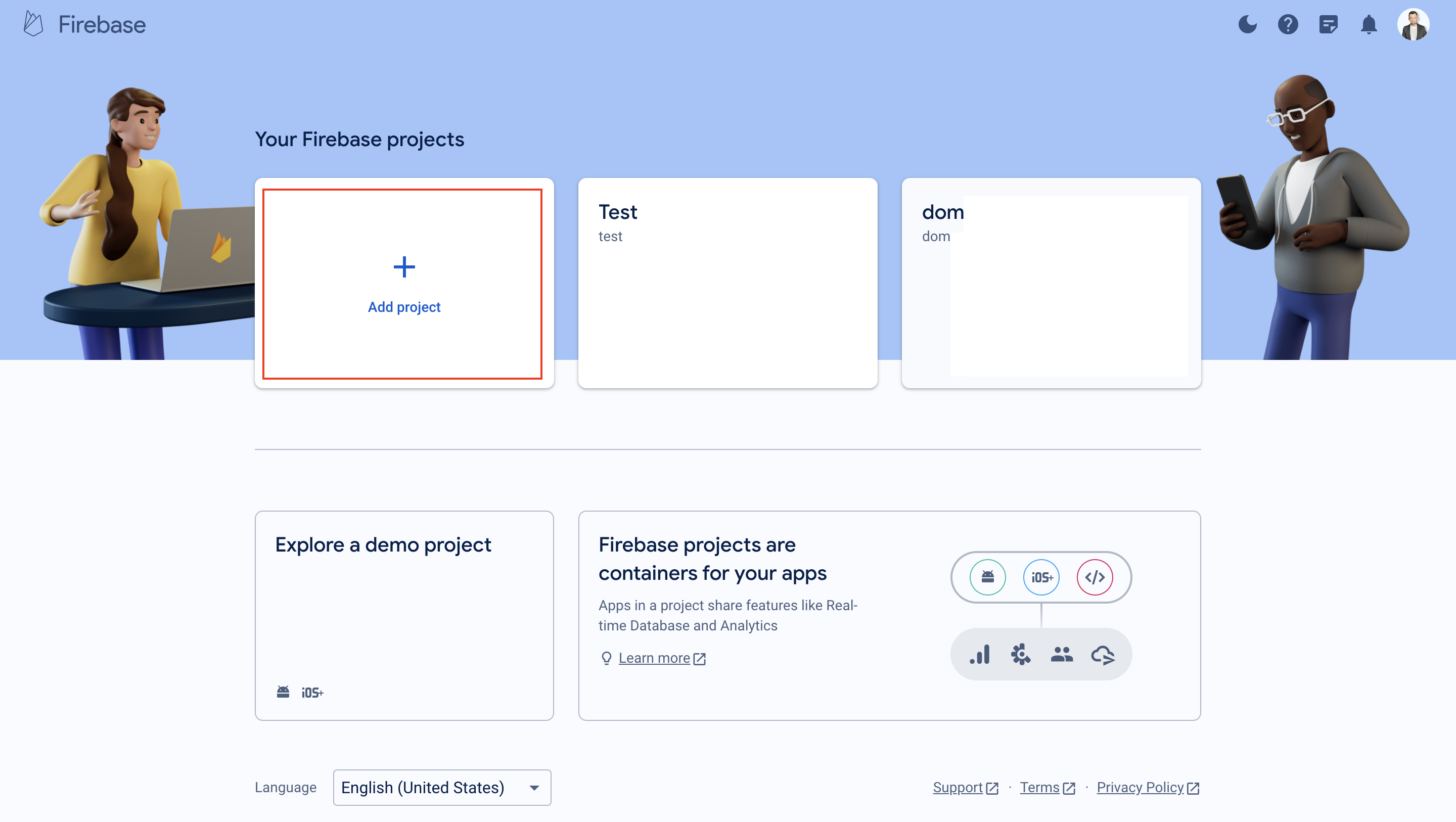
Push Notifications require a Firebase Project. If you don't have one set up yet, click "Add project" and follow the directions to set up your project.
If you already have a FCM project, skip to Step 2.
2. Generate a Private Key JSON file
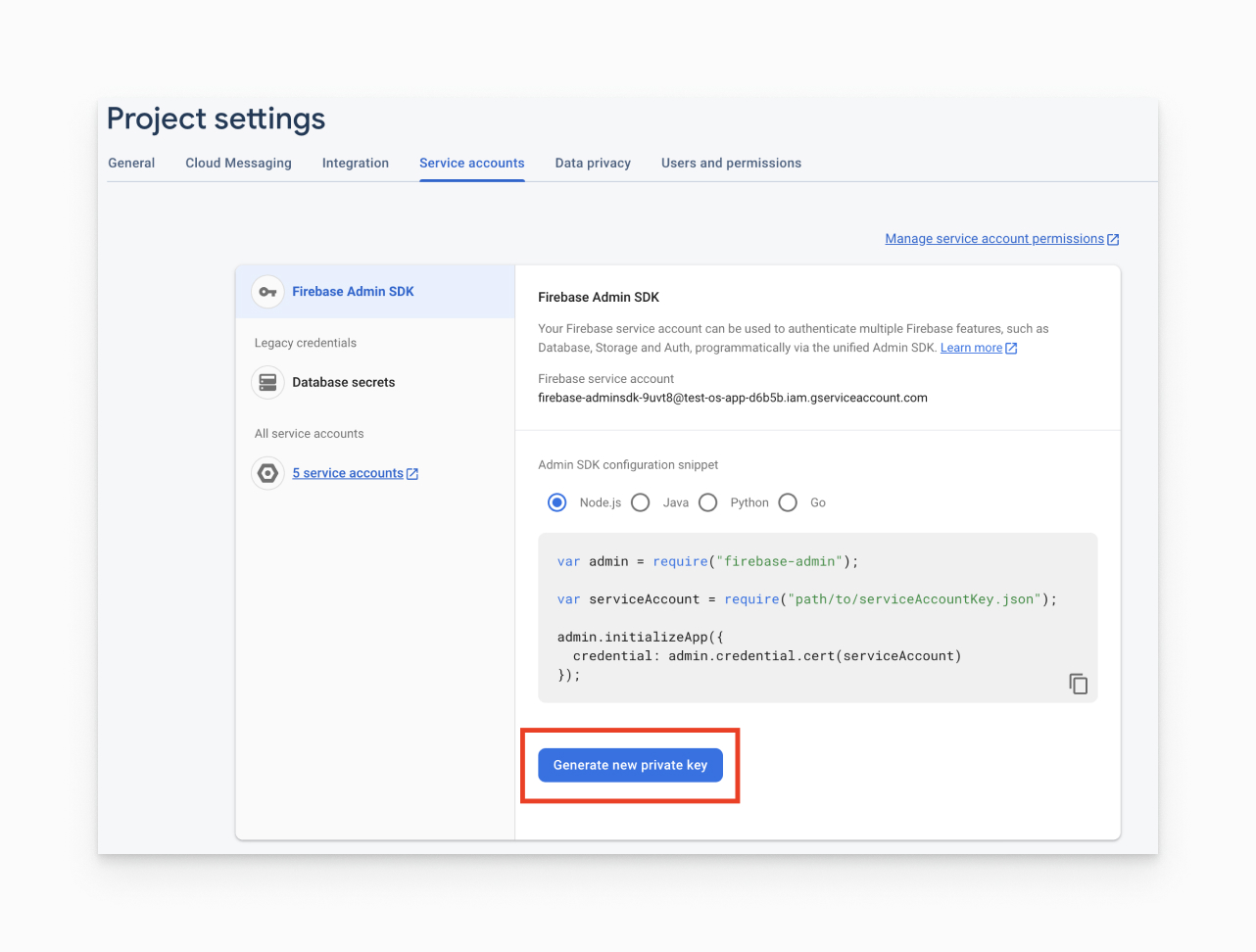
In Project settings, go to the Service accounts tab. You can use this link for a quick access.
A service account key with any role that has the cloudmessaging.messages.create permission is sufficient — it does not have to be an administrative role.
Click Generate new private key at the bottom of the page.
You'll then see a warning window. Click Generate key.
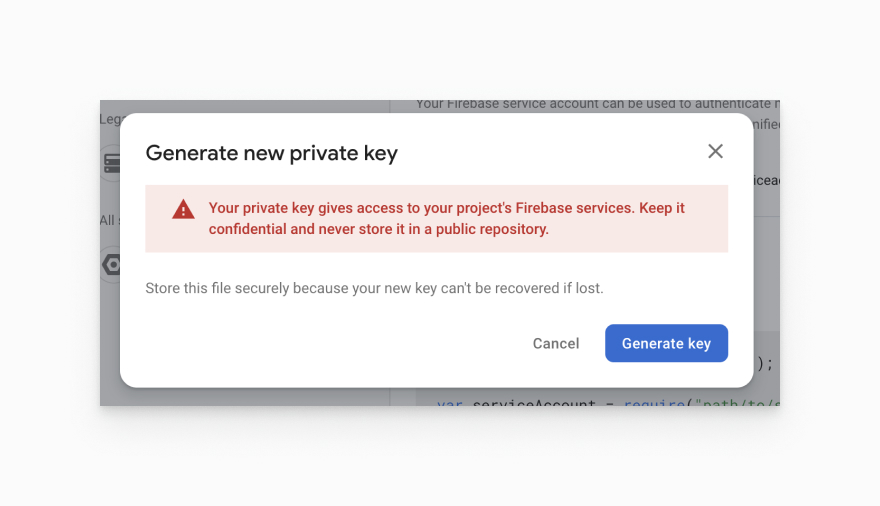
Save the JSON file somewhere secure. You will need to access it shortly to upload to Maestra.
3**. Configure push notifications settings in Maestra**
In Maestra, navigate to Integrations > Integration setup > "Your Android App" Integration > Mobile push credentials > Enable Firebase.
- Click on Select the file > Choose the JSON file you downloaded from your service account.
If the upload is successful, you will then see the loaded integration parameters in the block.
Click Save in the right corner of the block with settings.
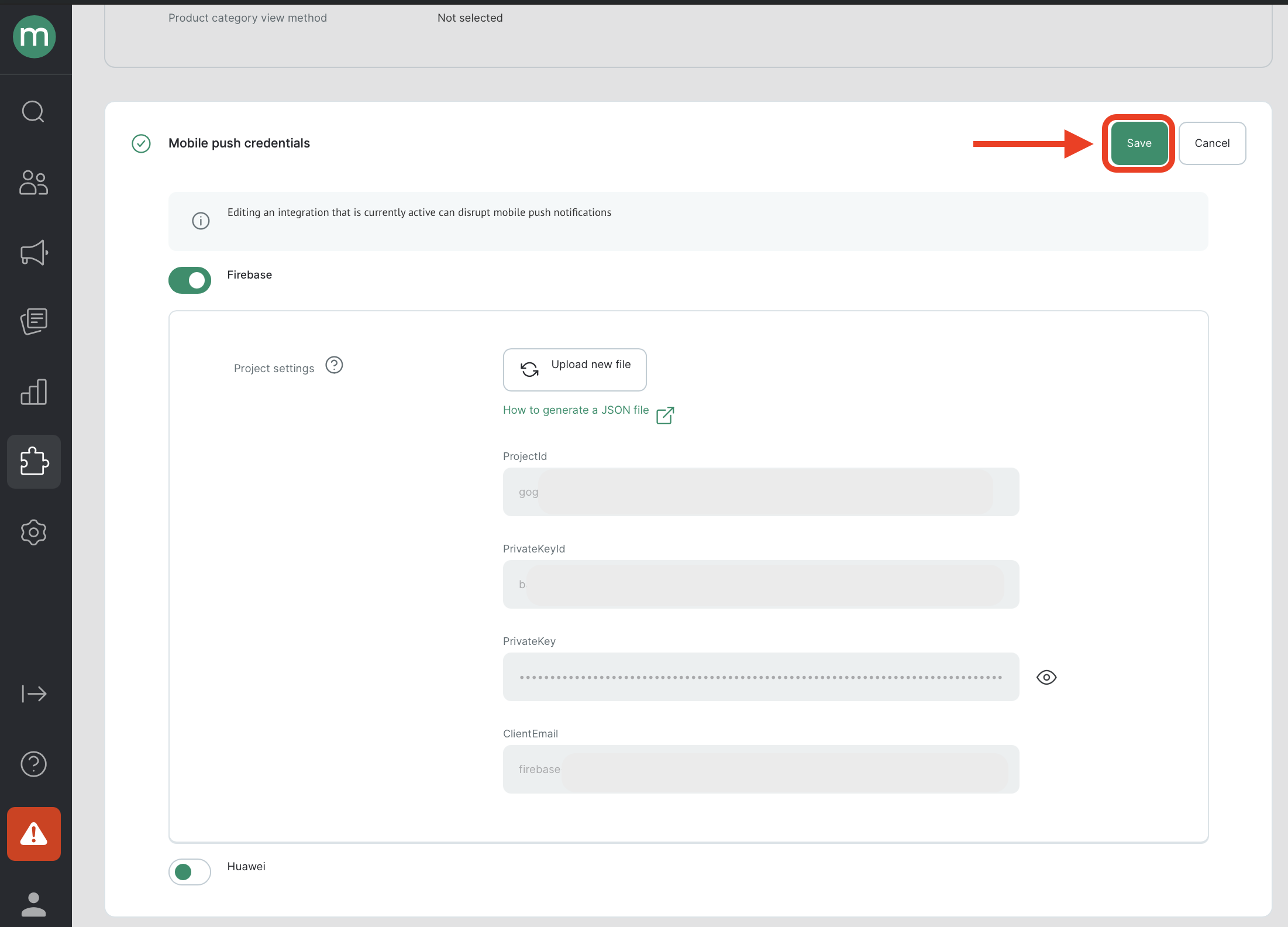
- Click "Save changes" in the top right corner of the page. It may take a while for the integration settings to become updated.
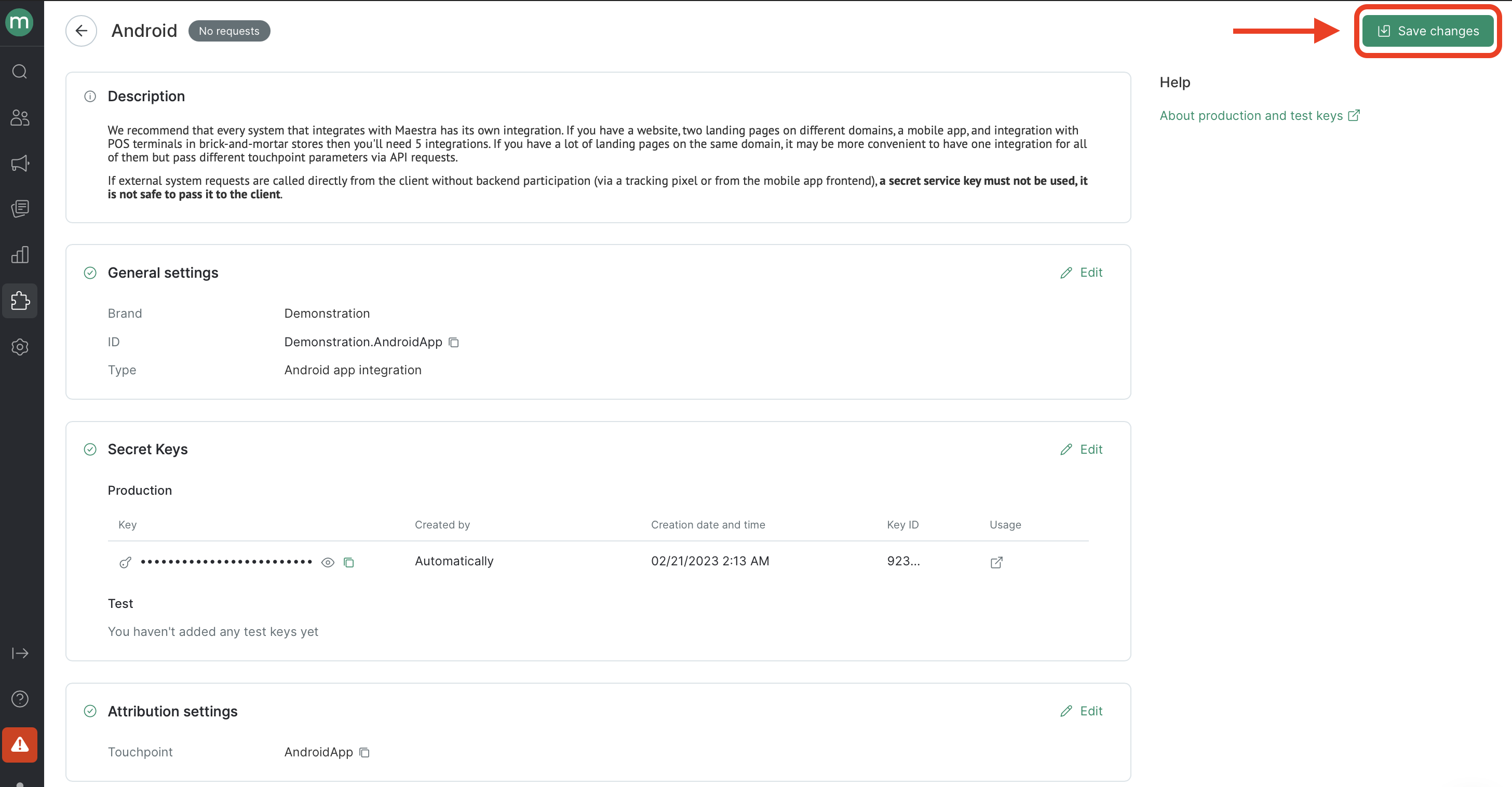
Once the file is uploaded and the Android App integration settings are saved, the configuration is complete.
After refreshing the page and reopening the settings block, you will see all the completed fields.
Updated 8 months ago