

Setting up Integration Points [Android]
Expected result of the “Setting up Integration Points [Android]” step:A unique integration endpoint for Android App has been created and configured.
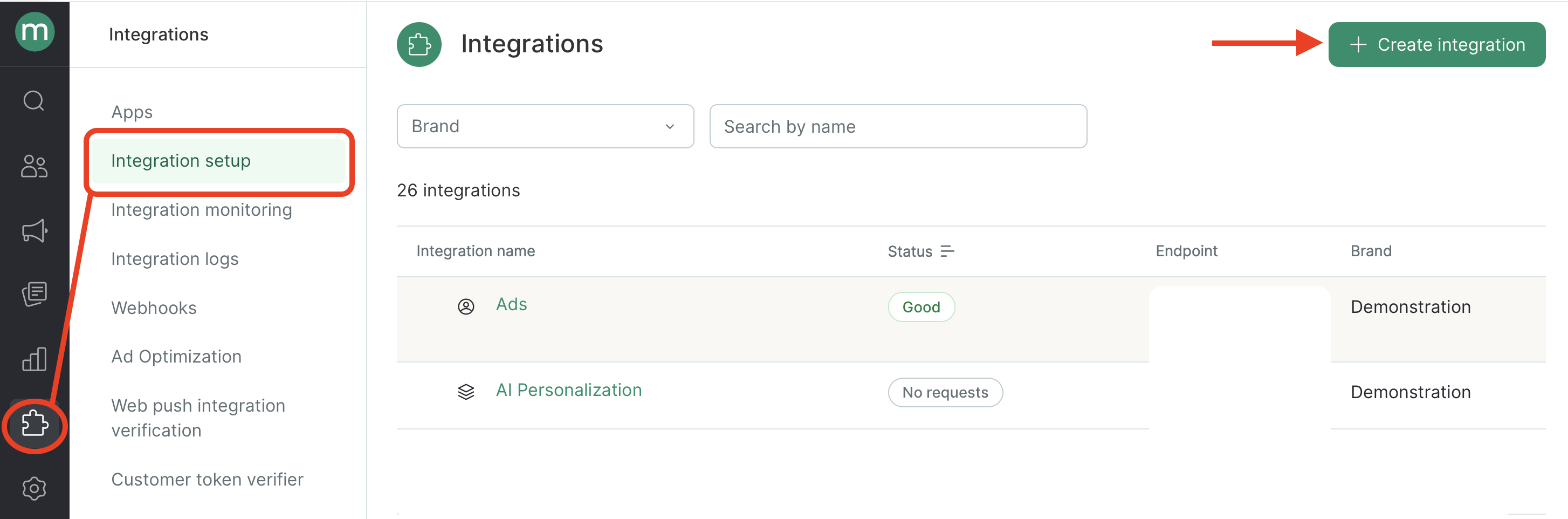
Go to Integrations→ Integration setup → Create integration
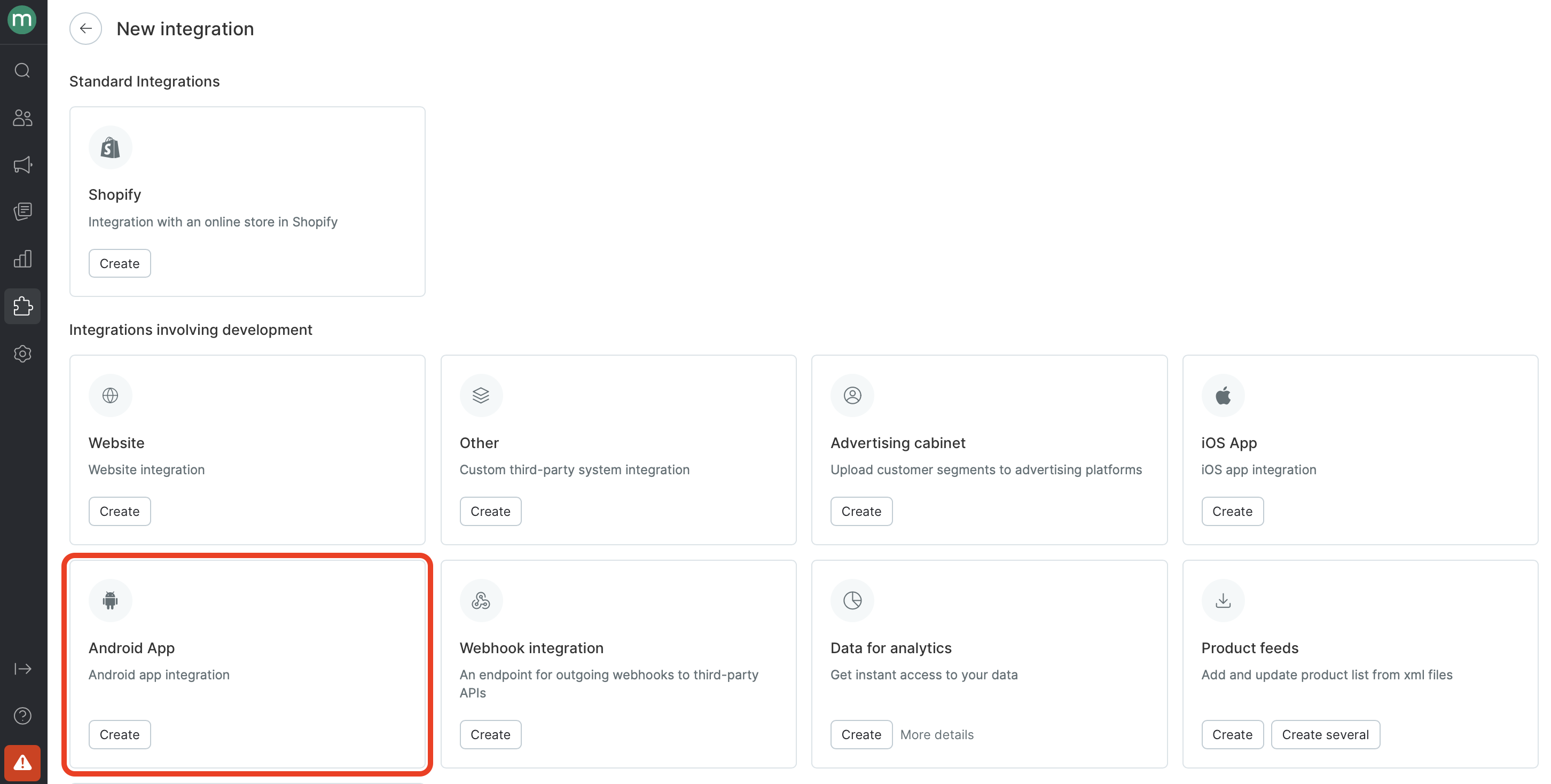
Select the Android app preset:
We recommend using the following template when creating an integration point id:
{{project-name}}.AndroidAppwhere
{project-name}is automatically populated with the project name.
The touchpoint is generated automatically based on the name of the integration point. You can also replace it with any touchpoint that you created previously.
For example:


Updated 8 months ago