

Sandbox Environment
Apple provides two separate environments for each app: production and sandbox.
How to set up an integration point for Sandbox
To test an app in Sandbox, create an integration point. If credentials for Sandbox and Production match, one integration point will suffice.
If the IDs don’t match, you have two options:
- Create two integration points.
To tell them apart, include the environment type — Production or Sandbox — in the integration point name. - Create a single integration point and update its credentials in the integration point settings before releasing the app.
If you accidentally released a new app with Sandbox as the integration point, you can change the credentials in integration point settings without reintegrating.
How to send a push notification to the Sandbox environment
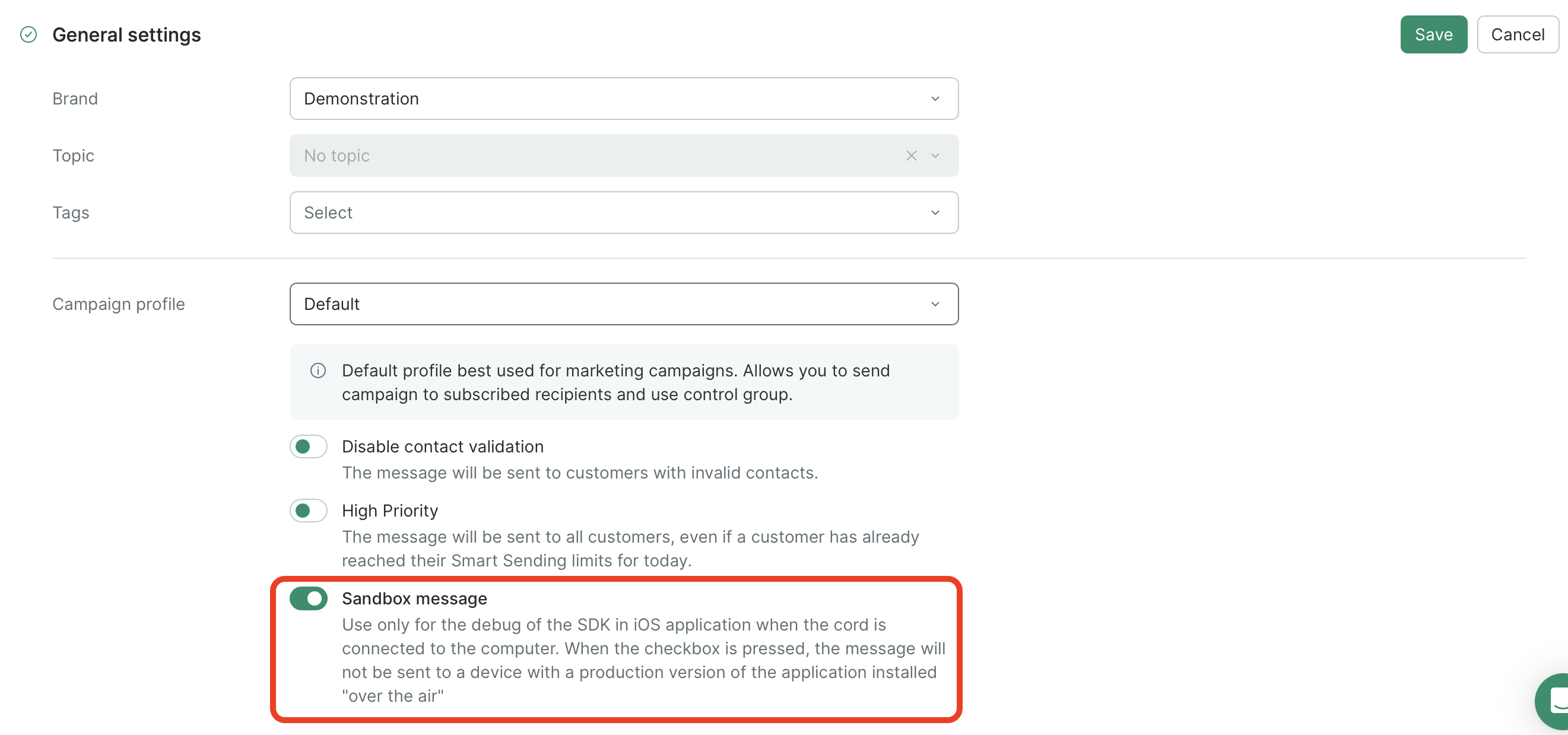
To send a push notification to the Sandbox environment, open the campaign settings, go to General settings, make sure Default is selected in Campaign profile, and then enable the Sandbox message toggle.
Your push notification will be sent only within the Sandbox test environment:
Updated 8 months ago